Using the search means you accept our Terms of Use.
Search
Guides and explainers
MP3Juice Blog: Guides to Finding, Saving and Playing Music
Practical guides in seven subjects: using MP3Juice, finding music, MP3 and audio quality, YouTube conversion, managing downloaded music, download problems, and safety, rights and alternatives.
Using MP3Juice on phones and computers
Walkthroughs of the search field, the Play check and the MP3 and MP4 options, device by device. The short version is on the page about how MP3Juice works.
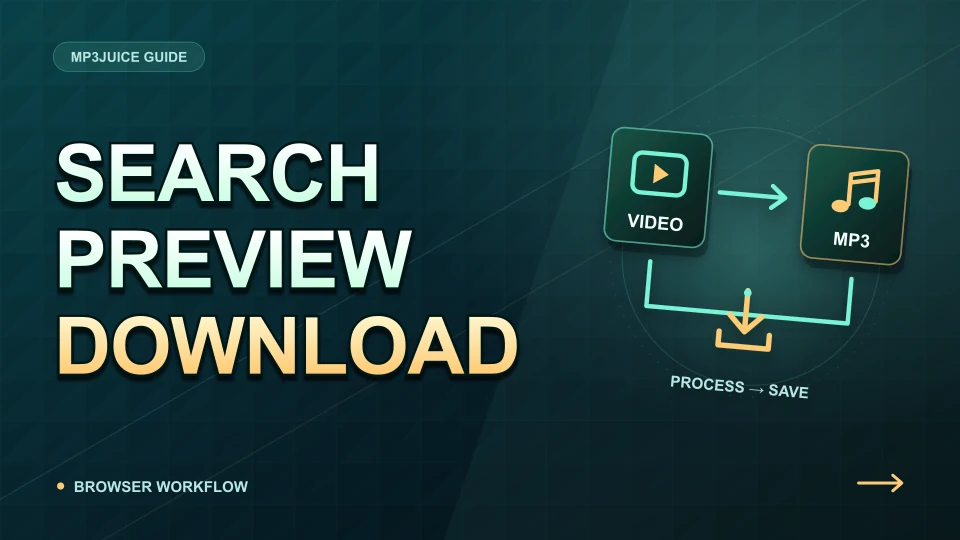
Search for a title and artist or paste a supported YouTube link. Preview the recording, open Download, choose an available MP3 or MP4 option, then confirm the completed transfer in your browser.
The MP3Juice website runs in a browser without a separate downloader installer. A supported browser can optionally install its web app; that does not create a cloud music library or make online conversion work offline.
The public MP3Juice search and downloader do not require a visitor account. Completed files live in your chosen device storage, while browser history and downloads are controlled by your browser rather than a synced MP3Juice library.
The mobile workflow is search, preview, select a format and verify the browser download. Android and iPhone differ mainly in where files are saved and which player opens them; a home-screen shortcut does not make search or conversion work offline.
On a PC or laptop, use the browser to search or paste a supported link, preview the recording and open its format choices. Check the browser download list to confirm completion and reveal the saved file.
Use MP3Juice in Safari, open an offered format and finish the browser download. Find the file through Safari's download list or Files. It is saved to Safari's configured destination, not automatically to the Music library.
MP3Juice works in an Android browser. Search or paste a YouTube link, check the selected recording and open its format options. After the transfer finishes, use the browser download list or your file manager to find it.
MP3Juice searches for individual YouTube videos, previews a selected result and embeds external MP3 or MP4 options. It does not provide a playlist library, lyrics database, audio editor or cloud storage account.
3 min read
Finding music by genre, chart and search wording
How to find a song you cannot name, how to word a search for amapiano, gospel, maskandi, hip hop, Afrobeats and DJ mixes, and how to read the chart. The general rules are in the search tips.
Identify the song first using the clue you have: a lyric, melody, playing recording or clip credit. Then search MP3Juice with the title and artist; its text search does not listen to audio or recognise humming.
For a specific amapiano recording, search the artist and title first. Add remix, live or the DJ name only when that identifies the version you want, and confirm it with Play before choosing a format.
Search for an Afrobeats recording with the main artist and song title, then add a featured performer or version word only if needed. Preview the result because similar titles can identify different recordings.
To find a particular gospel or worship performance, combine the hymn or song title with the choir, singer or church. Add language or event details when needed; the same song can have many arrangements.
Start with the artist and title, then identify whether you need a clean version, explicit release, remix, instrumental or live performance. Preview the result because upload labels alone cannot confirm the version.
A chart is a discovery list for a particular source, region and period. It does not prove a song is newly released, identify the version in a short clip, or establish permission to download it.
For a South African song search, start with the published title and one main artist. Add featured artists or a version label only when needed, then preview the result to distinguish a single, remix, live performance or continuous mix.
Search a remix with the original artist, track title and remixer or version name. Search a DJ set with the DJ, event and date. Check the preview and duration because a single track and a continuous mix are different recordings.
Use the artist's spelling and a distinctive part of the title when searching for maskandi or Zulu-language music. Language and genre are different clues, so do not assume that every Zulu song is maskandi.
3 min read
MP3 and audio quality
What decides how an MP3 sounds: the source, the compression, the bitrate and the sample rate. The basics are in the guide to what an MP3 file is.
An MP3 sounds only as good as the recording and processing behind it. Bitrate describes the encoded data rate, but source quality, earlier compression and playback settings also affect what you hear.
Bitrate measures data per second; sample rate measures audio samples per second per channel. A higher value in either field is not, by itself, evidence that a downloaded recording contains more original detail.
CBR keeps the encoded bitrate fixed, while VBR changes it to fit the sound. Choose based on device support and your source; converting an existing MP3 between the two does not restore audio quality.
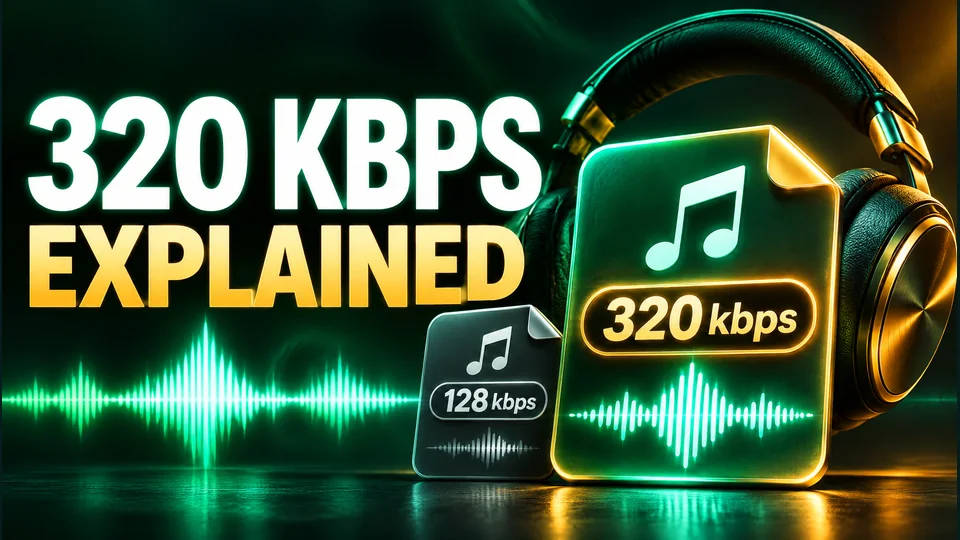
A 320 kbps MP3 spends 320 kilobits per second on encoded audio. It may reduce additional MP3 compression loss compared with a lower setting, but it cannot restore detail missing from the source.
MP3 reduces audio data using lossy perceptual coding. An encoder chooses how to represent the sound within a data budget, so information discarded during encoding cannot be recovered by saving the MP3 at a higher bitrate.
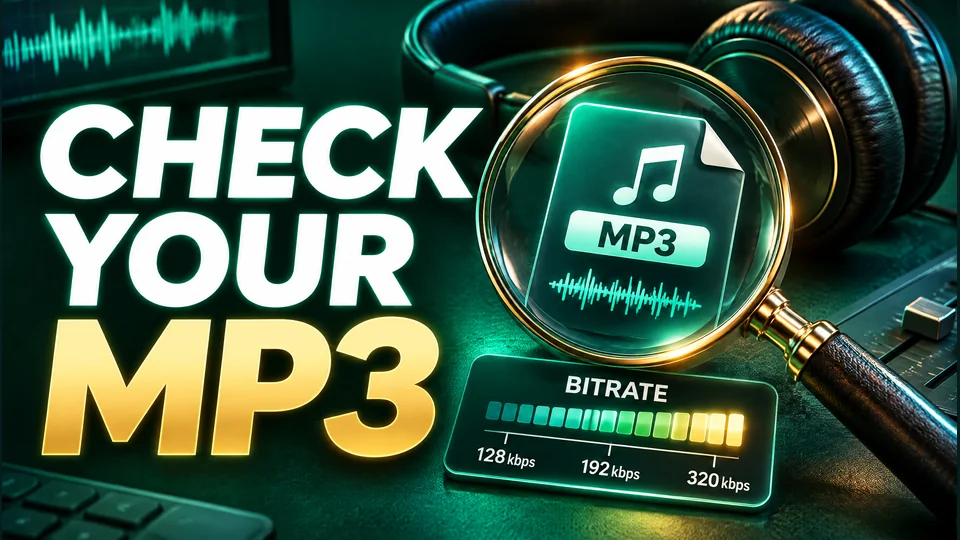
Open a completed MP3 in a player with a media information view and read its codec, duration and bitrate. Use those values to check the file, then listen: metadata cannot certify the quality of the original recording.
3 min read
YouTube audio and video conversion
What a converter receives from YouTube and what becomes of it in an MP3 or MP4 file. The tool these articles explain is the YouTube downloader.
An MP3 conversion prepares an audio-only output, usually by decoding and encoding the source audio. An MP4 output packages video and audio tracks, sometimes by joining compatible streams and sometimes by re-encoding them.
MP4 is a container that can hold video and audio. The chosen resolution affects picture detail, but codec, bitrate, duration and audio tracks also determine file size and whether a device can play it.
Choose MP3 when you need an audio file for listening. Choose MP4 when you need the picture as well. The formats differ in purpose; MP4 is not automatically better sounding and MP3 does not preserve video.
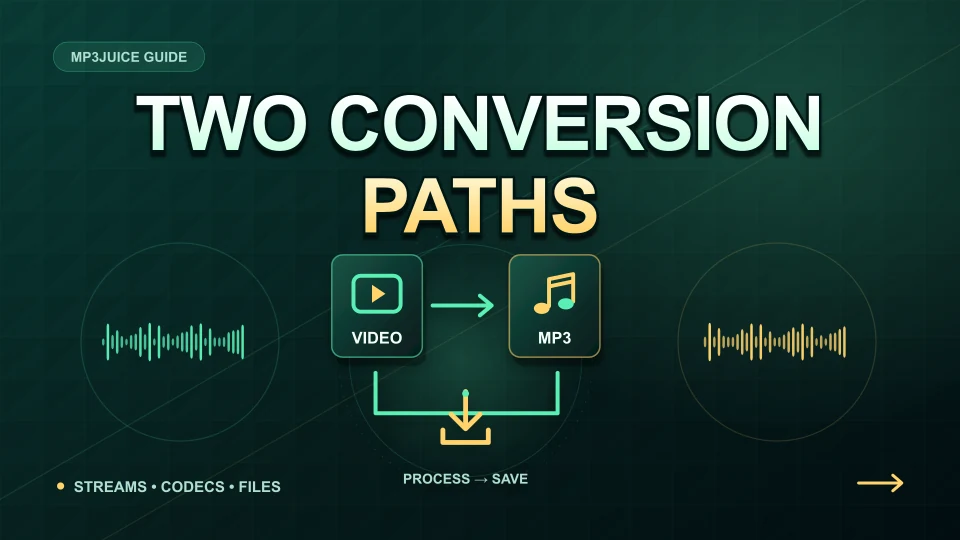
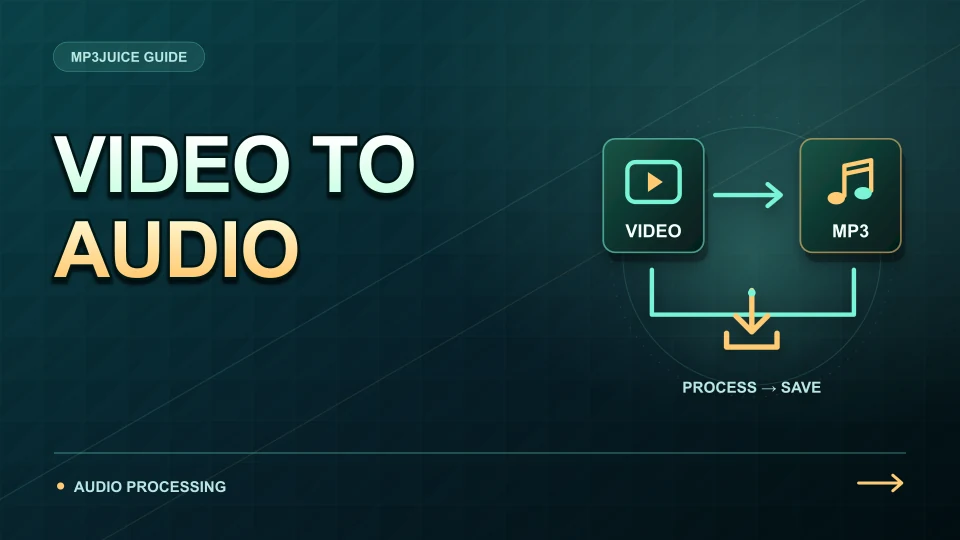
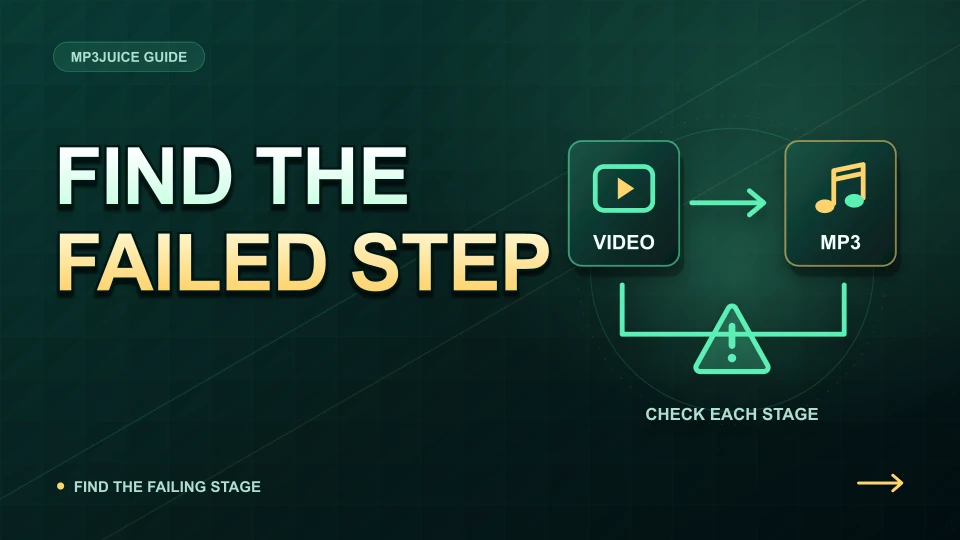
A typical video-to-MP3 job obtains an accessible audio stream, reads and decodes it, encodes an MP3 and delivers a file. Some services combine or adapt these stages, but converting the format cannot restore lost source detail.
Opus and AAC are different lossy audio codecs. Their bitrates are not directly interchangeable quality ratings. The stream available to a player or converter can vary, and converting either source to MP3 adds another encoding step.
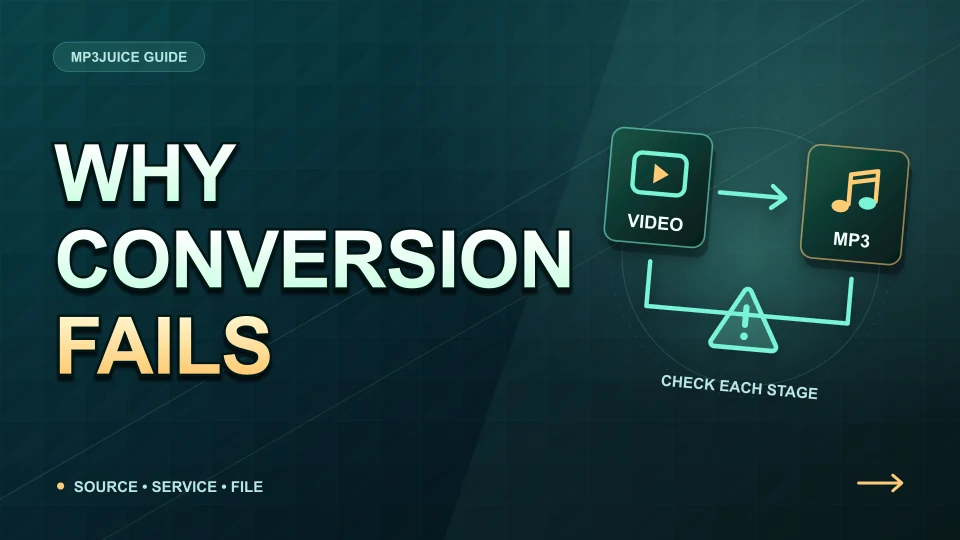
A working YouTube link does not guarantee that an external converter can retrieve the video. Check access restrictions, whether the recording is complete, provider limits and whether the failure affects one video or every video.
A YouTube playback stream and a converted MP3 are different encoded versions of audio. The upload, the stream selected and the final conversion all affect sound; a 4K picture or 320 kbps output cannot certify the original recording quality.
3 min read
Managing downloaded music
Where each phone and computer saves a file, and how to name, move and back up a collection. Apps and files are compared in the guide on how to download music offline.
A completed browser download is an ordinary file, while a subscription download may exist only inside its app. Locate the file using the browser download list, check that it plays, then organise and back it up.
Start with the browser's Downloads list and open the completed entry. If you need the folder, use your file manager and check the browser's configured destination. The exact location can vary by browser and device.
An MP3 downloaded in Safari is normally managed through Files and the chosen download location. It does not automatically enter the Music library; use a compatible player or an appropriate computer-library sync workflow.
Use one music folder, consistent artist-title filenames and accurate embedded tags. Check completed downloads first, reveal file extensions and keep a backup before removing duplicates or reorganising a large collection.
Estimate MP3 size in decimal megabytes as bitrate in kbps multiplied by seconds, divided by 8,000. A four-minute 192 kbps file is about 5.76 MB, before metadata and additional page or preview traffic.
3 min read
Fixing download problems
Faults sorted by the stage that failed, from a blocked download to a silent file. The first five checks are on the page MP3Juice not working.
First identify whether the failure happened before a format appeared, during the file transfer or after the file was saved. Each stage has different causes, so record the exact message before changing settings.
Browsers can block unsafe files, insecure transfers or unexpected download behaviour. Read the exact warning and verify the destination and file type. Do not disable security protection just to make an audio download proceed.
A transfer that stops midway can be caused by connection loss, unavailable storage or an expired download address. Inspect the browser's status first; resume when supported, otherwise request one fresh file after addressing the cause.
Open the page in your normal browser, identify whether Play, the format panel or the transfer is failing, and check one change at a time. A working search does not prove that the external conversion service is available.
First identify whether the delay is in search, the external converter or the browser transfer. Each stage has different limits, and a faster connection cannot remove a provider queue or make an unavailable video accessible.
If an MP3 plays silently, first test another known-good file in the same player and check the output device and media volume. Then compare the source recording. This separates playback settings from a silent or damaged file.
3 min read
Safety, rights and alternatives
What to check before you open a file, what you may keep, and where licensed music is offered. One page answers whether MP3Juice is safe to use.
There is no universal legal answer based only on a downloader name. Whether you may save or reuse music depends on the recording, the rights and licence involved, platform terms, your intended use and the law that applies to you.
Before converting, establish why you may save and use the audio: your own rights, direct permission, an applicable licence or another valid basis. A public video or a conversion button alone does not provide that permission.
No downloader name or MP3 extension guarantees safety. Check the exact page, the actual file and any unexpected prompts, keep your browser updated, and investigate security warnings instead of treating them as download errors to bypass.
Choose a music source by what you need to keep: app-only offline listening, an ordinary audio file, or a recording licensed for a project. These are different products, even when each uses a Download button.
MP3Juice is a name used by different sites, so a matching logo or familiar page design does not establish common ownership. Check the exact address and what the page asks you to do rather than trusting a claim that it is official.